Honest PlanUpPro Review From a Builder: How I Cut Quoting Time From Hours to Minutes
I've been quoting jobs the same way most builders do — a spreadsheet, a folder of supplier price lists, and three hours of my evening I'm never getting back.
About six months ago I started using PlanUpPro on my own projects. This isn't a sponsored post. Nobody paid me to write this. I'm just a working builder writing about a tool that legitimately changed how I quote, how I handle change orders, and — more importantly — how I close jobs.
Here's the honest version: what works, what doesn't, and where it actually earns its keep on a job site.
The Quoting Problem Most Builders Have
If you're a small or mid-size builder, your quoting workflow probably looks something like this:
- Client sends plans or describes the job
- You spend 1–3 hours building a spreadsheet
- You manually pull material prices, labor estimates, and markups
- You email a PDF and hope they don't ghost you
- If they want a change, you rebuild half the spreadsheet
The problem isn't the spreadsheet itself — it's the speed. By the time you send the quote, the client has already received two others. By the time you respond to a scope change, they've cooled off. Quote speed is closing speed. That's the entire reason I tried PlanUpPro.
What PlanUpPro Actually Is
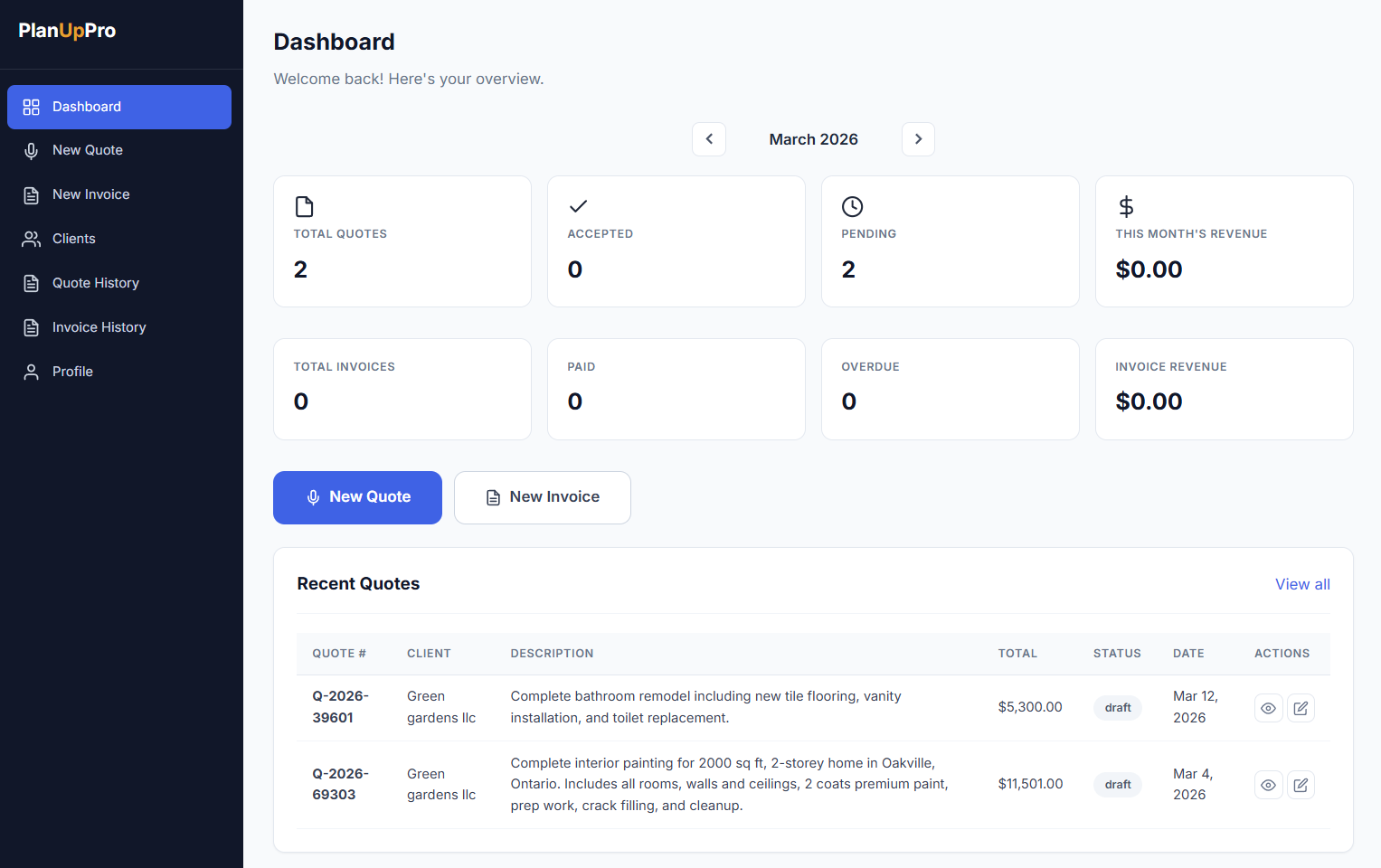
PlanUpPro is a web-based estimating, quoting, and invoicing tool built for handymen, remodelers, and trade contractors working small-to-medium jobs. It's not a full ERP. It's not enterprise project management. It's focused on three things: turning a project description into a priced quote, generating a clean invoice when the job's done, and pricing change orders on the fly.
That focus is the reason it's actually usable. Most "construction software" tries to do scheduling, accounting, daily logs, and quoting all at once — and ends up doing each one badly. PlanUpPro picks the parts of the workflow that hurt the most for small operators and nails those.
Test 1: Building a Quote From Scratch
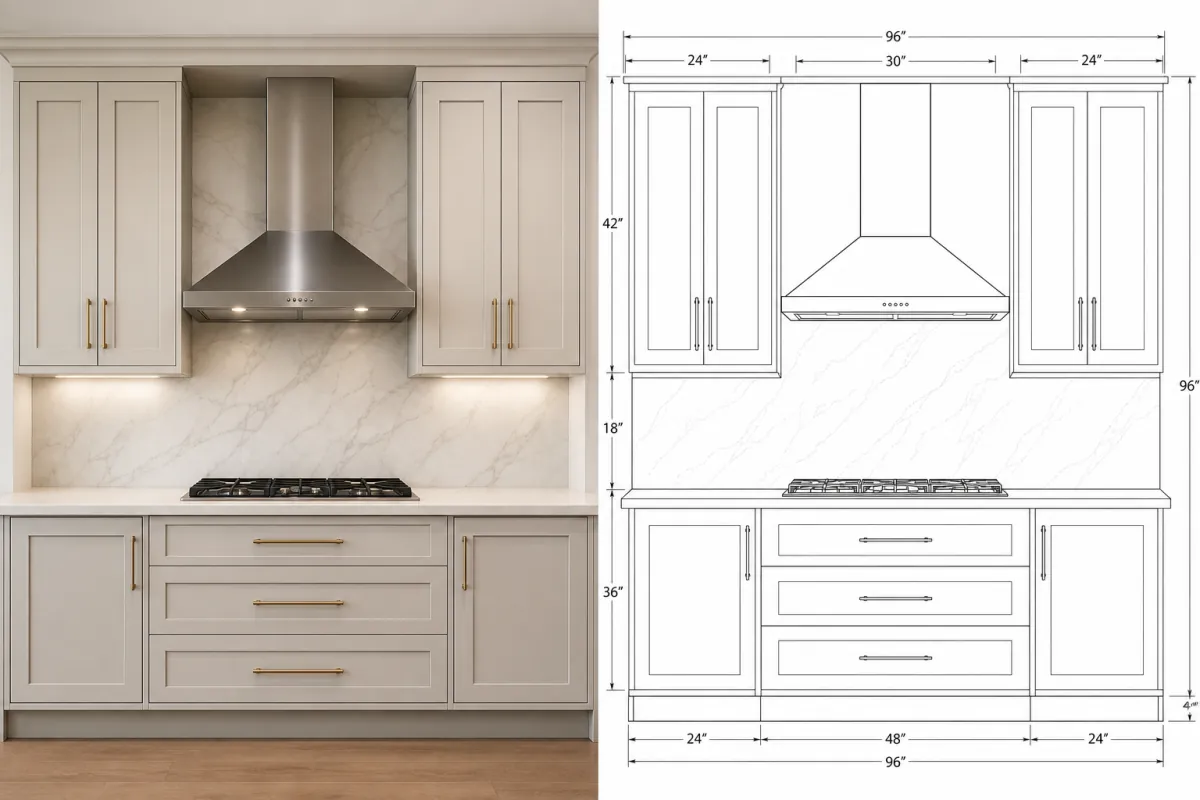
The first project I priced with it was a single-story addition — roughly 480 sq ft, two new rooms, one bathroom, full mechanicals.
In a spreadsheet, this is a 2–3 hour job. Materials, labor hours, subs, permit fees, contingency, markup — every line touched manually.
In PlanUpPro, I described the scope, picked the assemblies (framing, drywall, plumbing rough-in, etc.), confirmed the line items it pulled in, adjusted a few labor rates to my crew's actual numbers, and exported a clean PDF.
From plans to priced PDF: 11 minutes.That number includes me double-checking line items because I didn't fully trust it the first time. By the third or fourth quote, I was down to under 8 minutes for a comparable scope.
I won a roofing-and-deck job last month specifically because I was the only contractor who delivered a quote the same day the homeowner walked the property with me. The other two builders sent theirs four and seven days later. Speed wins jobs you didn't know were close calls.
Test 2: Add-On Estimates Without Rebuilding the Quote
Every builder knows this scenario: the original quote is signed, work is underway, and the homeowner asks for "just one more thing." A pergola off the back. A mudroom upgrade. Two recessed lights moved.
In a spreadsheet, an add-on estimate means:
- Open the original quote
- Either edit it (and lose the audit trail) or duplicate it
- Add new line items, hope you don't double-count materials
- Recalculate markup, taxes, contingency
- Reformat as a separate document
In PlanUpPro, I create a child estimate against the existing project, add the new scope, and the original quote stays untouched as a clean record. The add-on becomes its own document with its own price — no duplication, no math mistakes from copy-pasting.
Time on a typical add-on (say, a $4,000–$8,000 scope change): under 3 minutes.
Test 3: The Feature That Actually Sold Me — Voice Input On-Site
This is the one I didn't expect to use much, and now use almost daily.
You know the moment: you're walking the site with the homeowner, they point at a wall and say, "Could we open this up? And maybe move the island here? And what would French doors cost instead of the slider?"
Old workflow: nod, write it on a notepad, drive back to the office, rebuild the math, email the quote tomorrow. By tomorrow they've half-talked themselves out of it.
New workflow: I open PlanUpPro on my phone, dictate what they want — literally just talking — and the tool generates a price. I can show them a number standing right there in their kitchen. We negotiate the scope on the spot. I save the change order, they sign it on their phone, and I go back to work.
It's not that the voice input is technically impressive. It's that it removes the 24-hour gap between "client asks for a change" and "client commits to a change." That gap kills more change-order revenue than anything else in this business.
What I Actually Like (And What I Don't)
What works well
- Quote turnaround under 15 minutes for typical small-to-medium scopes
- Voice input for on-site change orders is genuinely useful
- Invoicing built in — no juggling a separate tool when the job's done
- PDFs look professional — homeowners take them seriously
- Add-on estimates don't break the original quote
- Labor rates and material prices are editable to match your region/crew
- Works on phone, tablet, or laptop without a separate app
What I'd improve
- Default labor rates need calibration before your first real quote
- Custom assemblies take a bit of setup if you build something unusual
- Not built for $1M+ custom homes or large multi-project GCs — wrong tool for that scale
- Internet required (no fully offline mode for remote sites)
Who It's Actually For
This is the part most reviews get wrong. PlanUpPro isn't built for everyone — and that's actually a strength. Here's the honest filter:
| If you're… | Worth it? |
|---|---|
| A handyman or one-man operation | Yes — this is the sweet spot. Quotes, invoices, and voice-input change orders are exactly what you need |
| A small remodeler doing kitchens, bathrooms, additions | Yes — fast turnaround on quotes and add-ons is where this tool shines |
| A trade contractor (electrical, HVAC, plumbing, roofing) | Yes — speed-to-quote on smaller scopes is a real edge |
| A GC running a $1M+ custom home build | No — you need full project management, accounting, and document control. Wrong tool |
| A large GC running 10+ concurrent projects with a full estimating team | No — outgrow it fast. Look at enterprise estimating software instead |
PlanUpPro is built for the small jobs — handyman work, single-trade bids, remodels, additions. That's where the speed pays off. If you're pricing a million-dollar custom home, this isn't the tool. If you're pricing a $3,000 deck repair or a $40,000 kitchen remodel, it's exactly the tool.
Real Numbers: What It Saved Me
Across the last 6 months, here's the rough math from my own projects:
- Quotes generated: ~28
- Average time saved per quote: ~90 minutes
- Total time saved: ~42 hours
- Change orders captured I would have lost (ones I priced same-day instead of next-day): 4 jobs, roughly $11K in scope
I'm not telling you that to push the tool — I'm telling you because the change-order capture alone covered the subscription for the year, several times over. The time savings are bonus.
If you sign up and use the default labor rates without adjusting them to your crew, you will quote either too high or too low. Spend the first hour calibrating rates to your actual numbers. Otherwise you'll either lose bids or eat margin.
Pricing & Getting Started
Pricing tiers are listed on their site, but the practical answer is: it's far less than what one half-day of unbillable spreadsheet quoting costs me. Most builders I've talked to land in the mid-tier plan.
Setup takes about an hour if you actually calibrate it (labor rates, common assemblies, your branding on the PDF). After that it stays out of your way.
Try It on Your Next Quote
If you're tired of losing your evenings to spreadsheets, take a look. They have a free trial — use it on a real project, not a fake one.
Visit PlanUpPro →Verdict
PlanUpPro isn't magic and it isn't going to fix a broken sales process. If you're losing bids because your pricing is wrong or your communication is off, software won't save you.
But if you're losing bids because you're slow — and most builders are — this fixes that. Quote in minutes instead of hours. Price change orders on-site instead of next week. Send professional PDFs instead of a Google Sheet link.
For me, it's a 4.5/5. The half-star off is for the labor-rate calibration friction at setup. Everything else has been worth it.
Win More Bids With Better Templates
PlanUpPro handles the numbers. The Builder's Job-Winning Templates handle everything else — proposals, contracts, change order forms, client communications. Together they cover your entire quote-to-close workflow.
See the Builder TemplatesFrequently Asked Questions
What is PlanUpPro?
PlanUpPro is web-based estimating and quoting software built for residential builders, remodelers, and trades. It generates priced quotes from project descriptions, supports voice input for on-site change orders, and lets you produce add-on estimates without rebuilding the original quote.
How long does it take to make a quote in PlanUpPro?
For a standard residential project, I can generate a fully priced quote in 5–10 minutes. The same quote in a spreadsheet used to take me 1–3 hours, depending on the scope. Add-on estimates and change orders are usually under 2 minutes.
Can PlanUpPro handle change orders on-site?
Yes — and this is the feature I use most. When a client wants a scope change while I'm on-site, I dictate the change into the app, the tool generates a price, and I can show or send the homeowner a number on the spot. No driving back to the office, no lost momentum.
Is PlanUpPro worth it for a handyman or small operator?
Yes — handymen and small operators are the sweet spot. The combination of fast quotes, on-site voice-input change orders, and built-in invoicing covers your entire money workflow without needing a separate tool for each step.
Is PlanUpPro good for large custom home builders or large GCs?
No. For $1M+ custom homes or GCs running multiple concurrent projects with full estimating teams, PlanUpPro is the wrong scale. Those operations need full project management, accounting integration, and document control — look at enterprise estimating software instead.
Is this review sponsored?
No. I started using PlanUpPro on my own projects six months ago and wrote this review based on my actual experience. There's no affiliate link, no kickback, no payment.